
AiM Solo
GPS Lap Timer & Data Logger
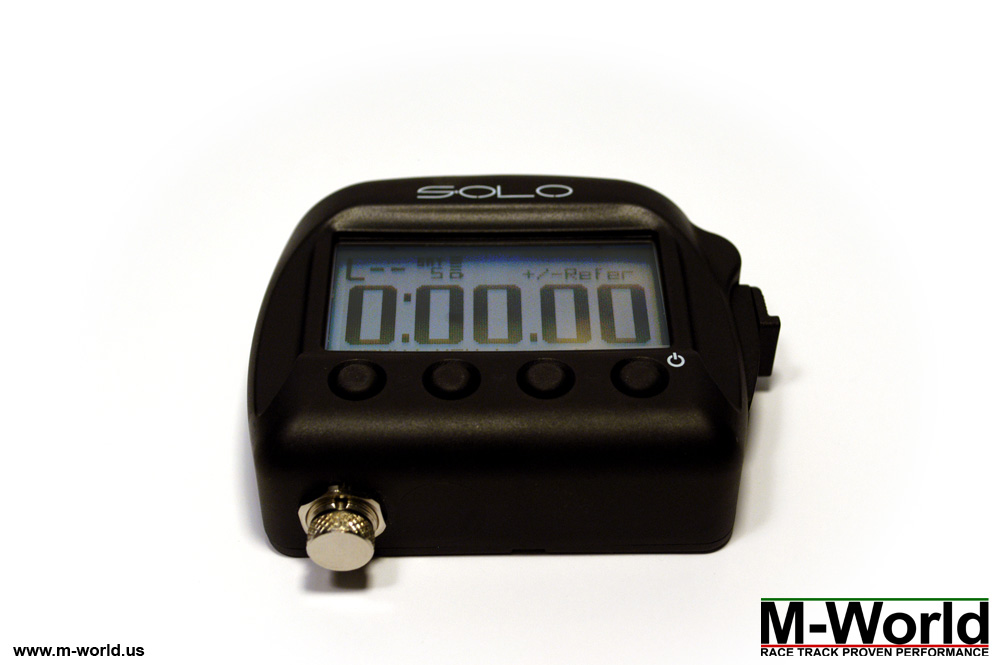
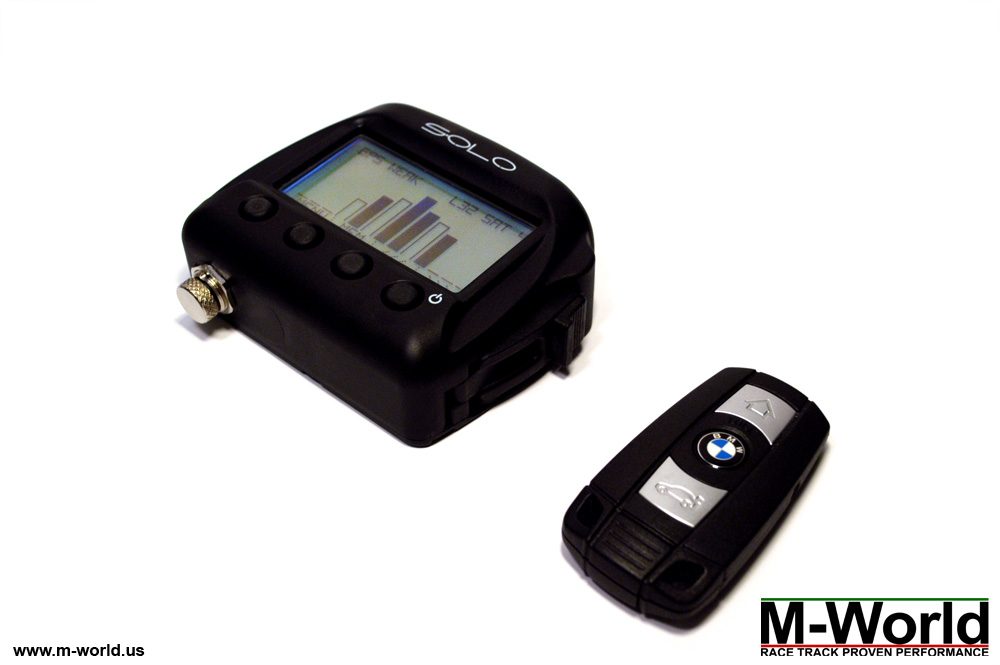
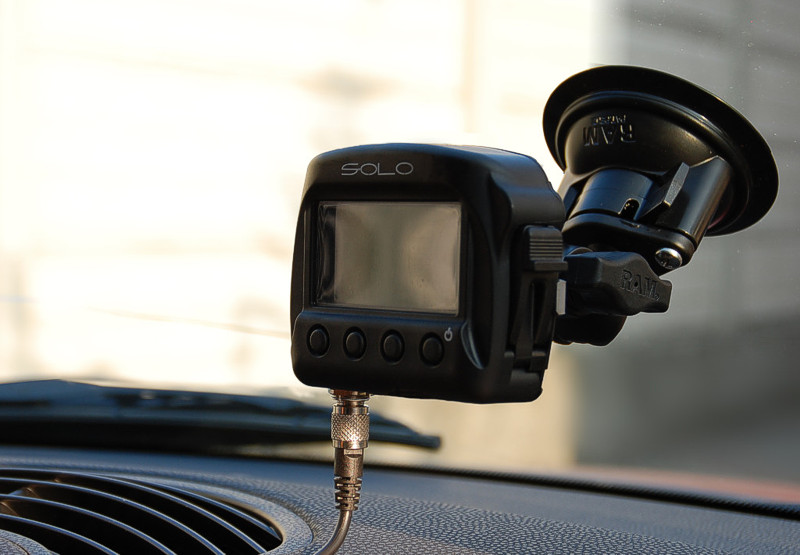
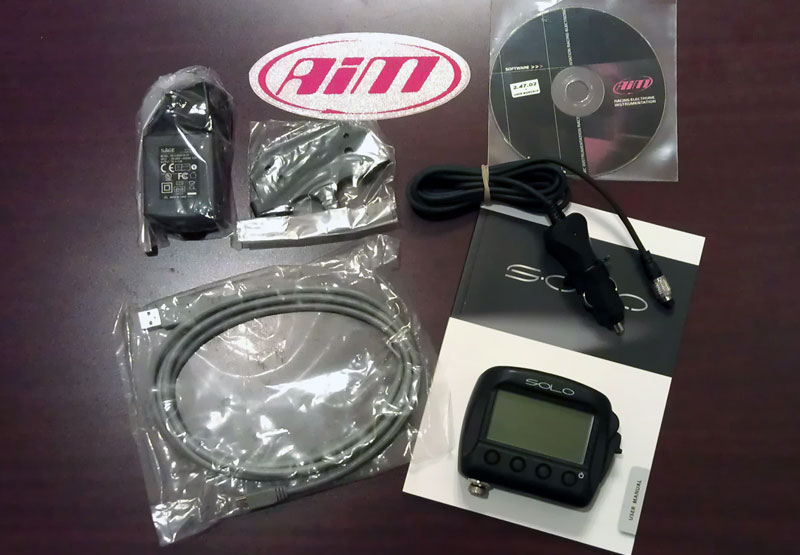
AiM Solo is a new generation of GPS lap timer & data logger for cars and motorcycles. It is extremely easy to use, small in packaging, but as powerful as professional devices.
AiM Solo is a must-have learning tool for track drivers and bikers of all levels. For the beginner it sets a baseline for objective measurements of your improvements. For the intermediate driver it helps you practice consistency. And for the advanced/pro drivers it gives you the 0.1 seconds needed to beat the competition.
Starts at $399.
Free suction cup mount. Fast & free 3-day shipping.
BUY NOW - AiM Solo
BUY NOW - Spare Parts
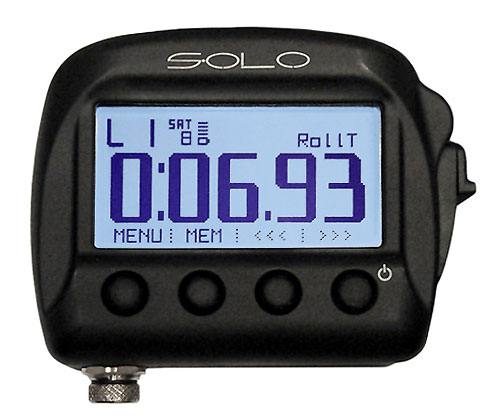

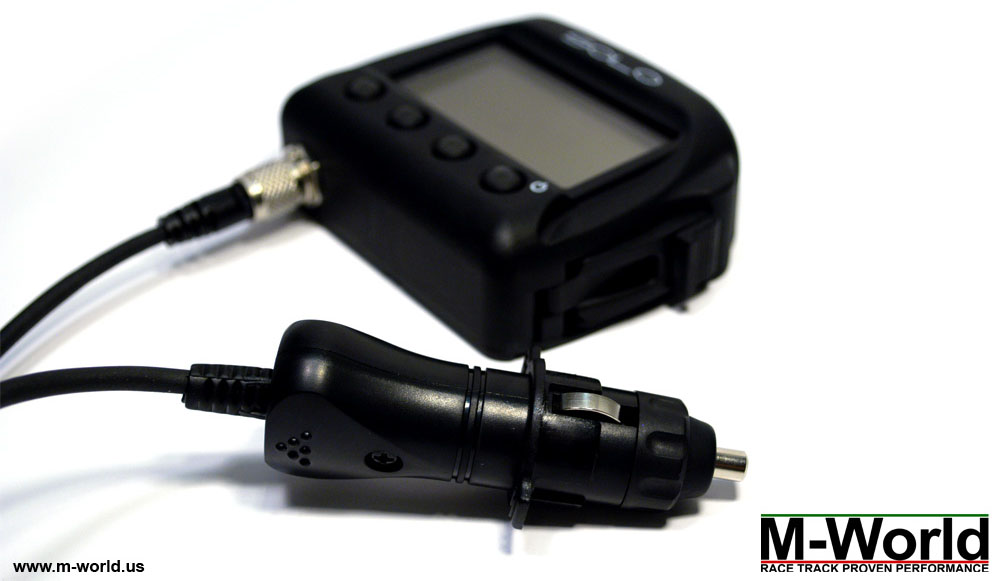
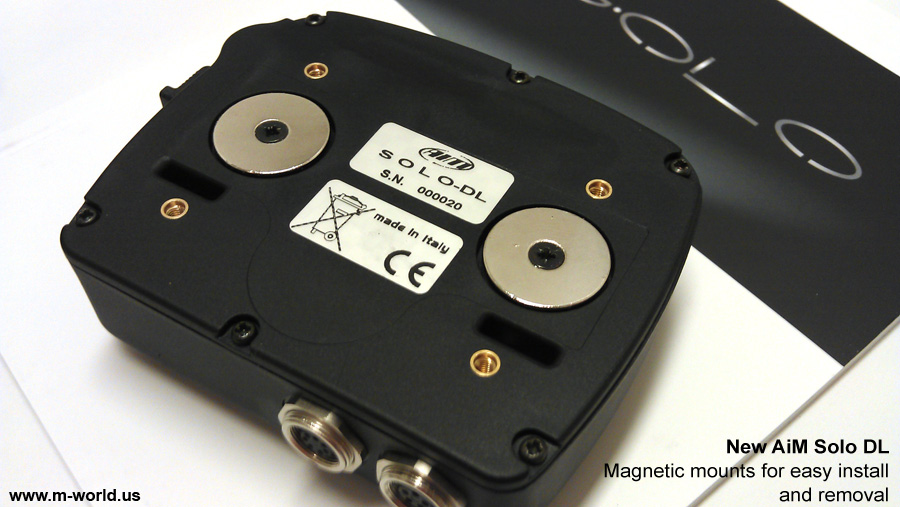
Powered by an internal rechargeable battery, AiM Solo is designed to be used standalone, without any external wires or sensors.
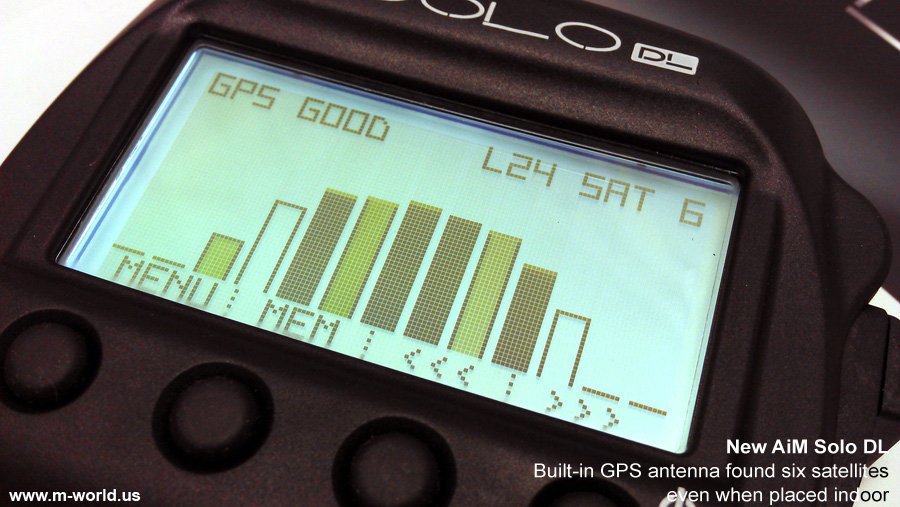
When you arrive at a race track, simply switch it on and AiM Solo will recognize the race track automatically and start recording lap times and logging racing data.
YouTube: Demo - lap time mode | Demo - drag race mode | Customer's open box review
with Predictive Lap Timing
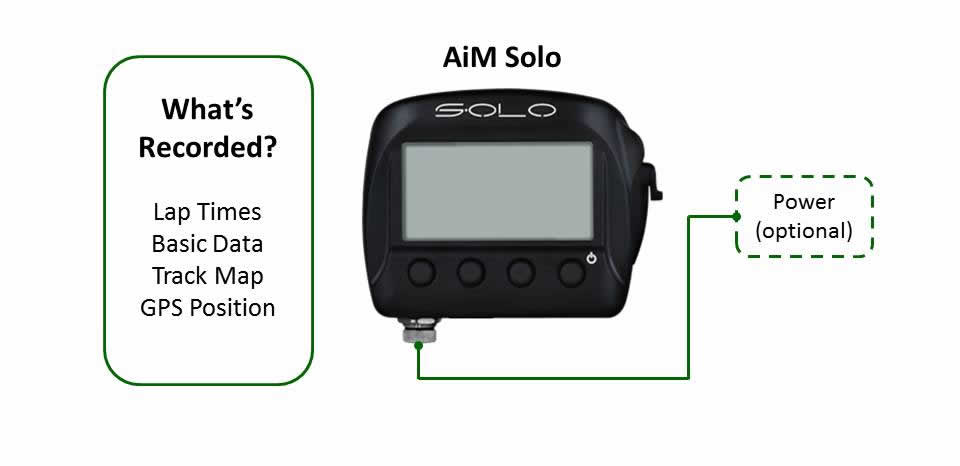
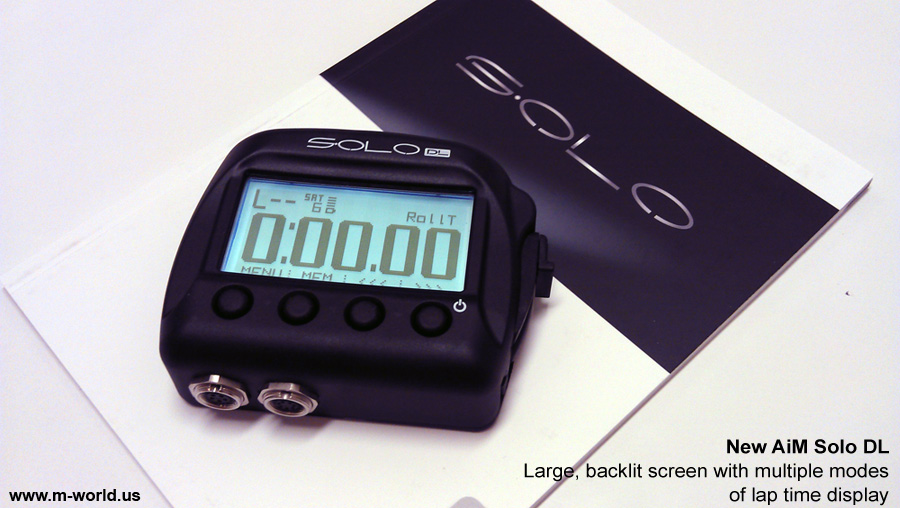
AiM Solo's internal GPS antenna is capable of 1/100 of a second precision. Moreover, GPS predictive lap timing calculates and displays the difference between your current lap and your previous best lap in real time - a perfect tool for time trial and time attack drivers!
Designed for the Harshest Racing Conditions
AiM Solo is extremely durable: heat resistant up to 170 deg. F., totally protected against dust, and water proof to 3.28 feet of water. So whether you race a closed-roof sports car or a motorcycle, AiM Solo will work rain or shine.
Seat-of-the-pants can't get you any faster?
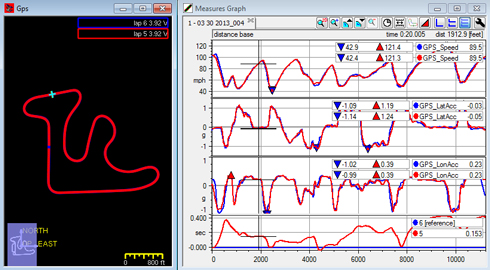
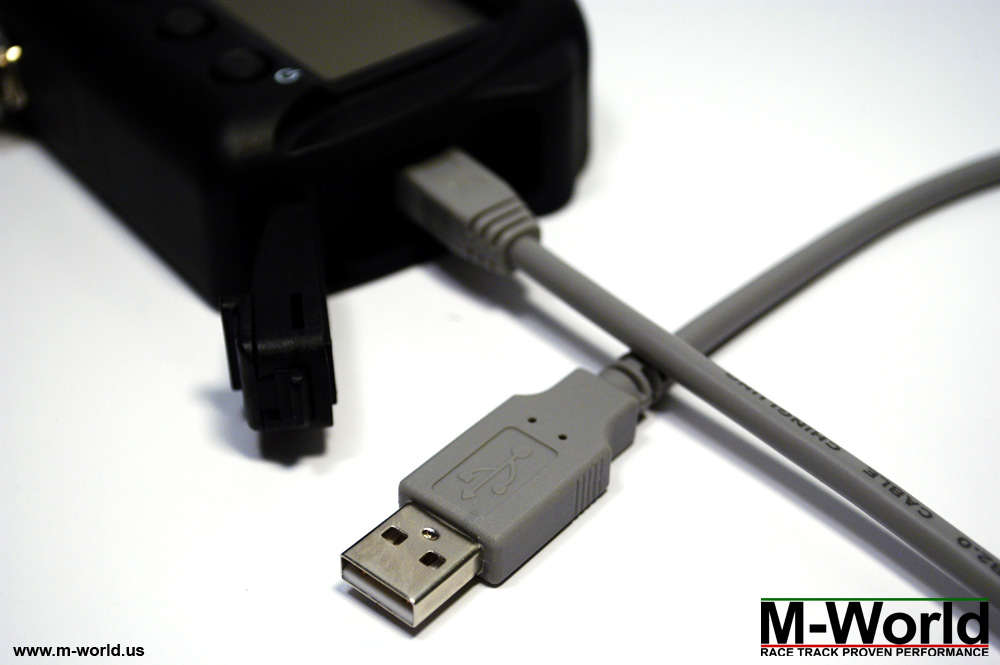
AiM Solo is a data logger which records racing data such as speed, g-forces, lap times, and track position in real-time. Data can then be exported into Race Studio 2 for post-race analysis.
Don't worry if you've never played with data before. Below is a document to get you started.
PDF: Data Logging & Analysis 101 Tutorial
Integrate with 500+ ECU Models
Looking to log advanced data?
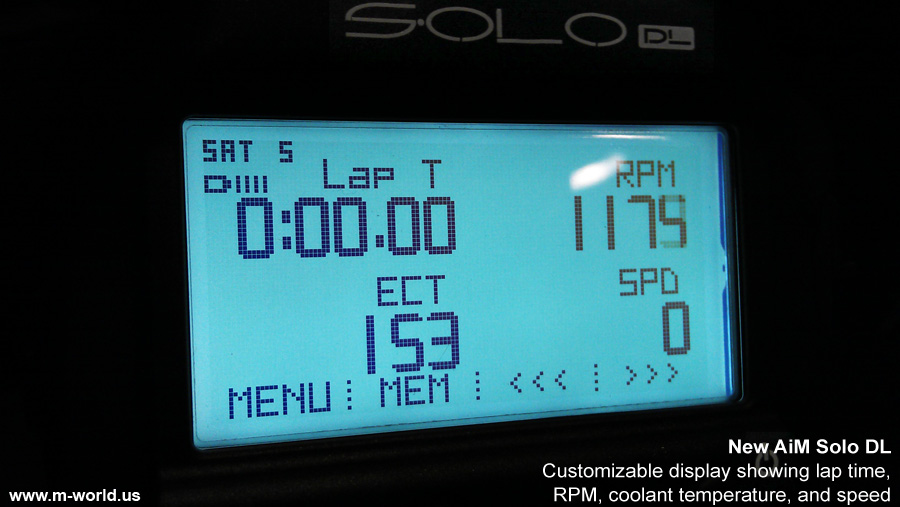
AiM Solo DL can connect to over 500 models of stock and racing ECU models via OBD2 or Direct ECU Connections to display and record data such as:
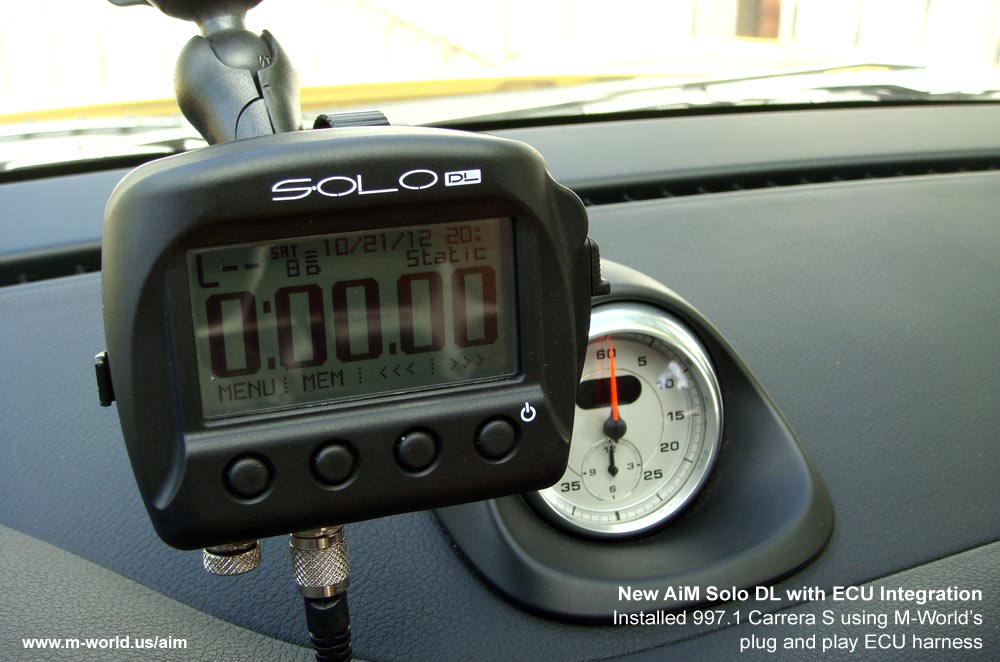
YouTube: Demo - Porsche 997.1 Carrera S | Demo - Autocross | Demo - Road course #1 | Demo - Road course #2
Starts at $699.
Free suction cup mount. Fast & free shipping.
BUY NOW
BUY NOW - Spare Parts
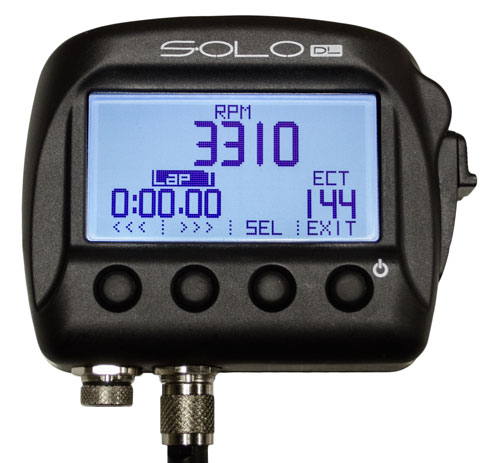
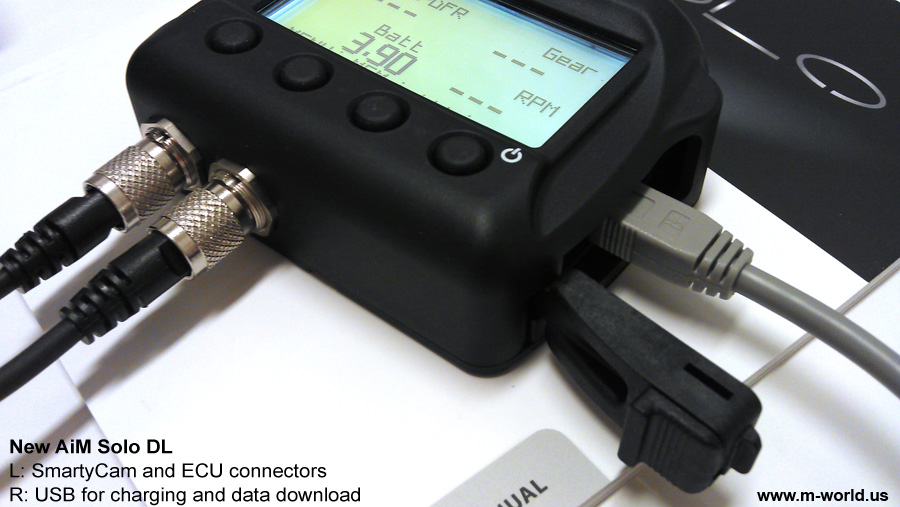
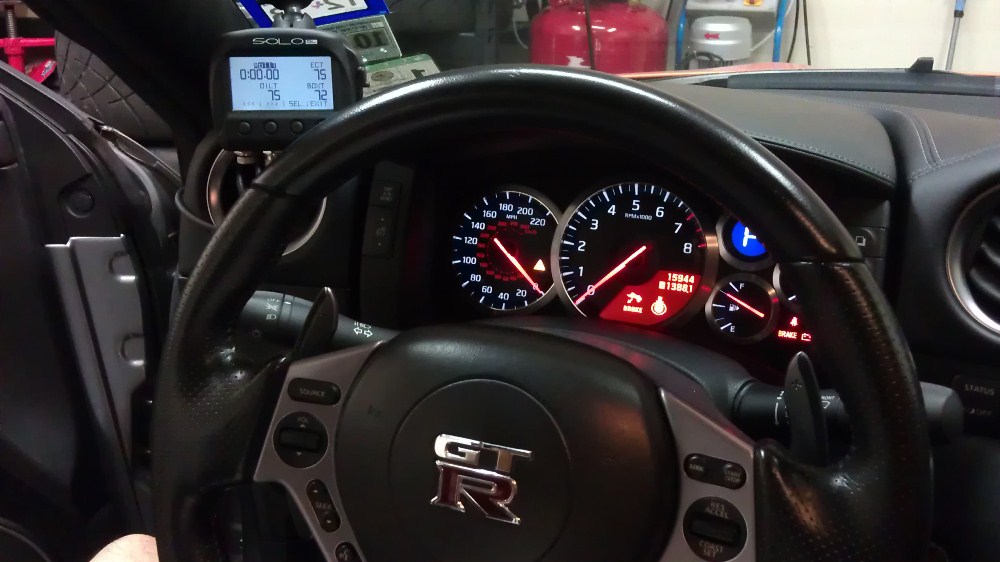
Solo DL will plug directly into your car's OBD2 service port for basic data (up to 9 channels for most cars). On some cars, such as the Nissan GT-R and Porsche 911 (997.2 and 991 generation), proprietary protocols are available from AiM, allowing for more channels to be read via OBD2.
In terms of installation, you will simply plug the supplied OBD2 cable into your car's OBD2 port, and Solo DL will automatically start reading and recording data.
Please check the tables below and AiM's ECU Compatibility page for supported models.
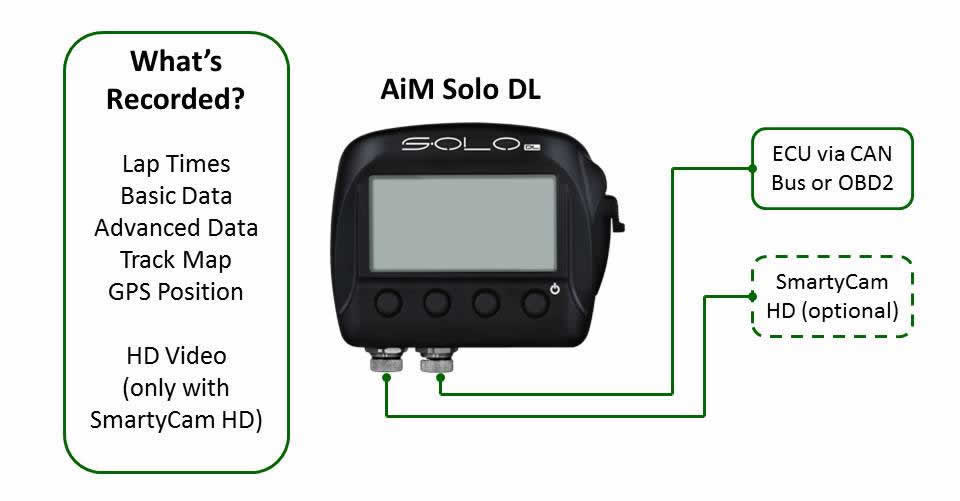
A Direct ECU Connection is capable of receiving up to several-dozen channels of data from the ECU via CAN bus. These channels include wheel speeds, brake pressures, RPM, gas pedal position, steering wheel angle, oil & water temperatures, ambient temperature plus more.
Please check the tables below and AiM's ECU Compatibility page for supported models.
Plug-and-Play (PnP) Direct ECU Connection
Plug-and-Play Harnesses for Direct ECU Connection are available for select cars and motorcycles. Please see detailed information in tables below.
BMW and Porsche Cars
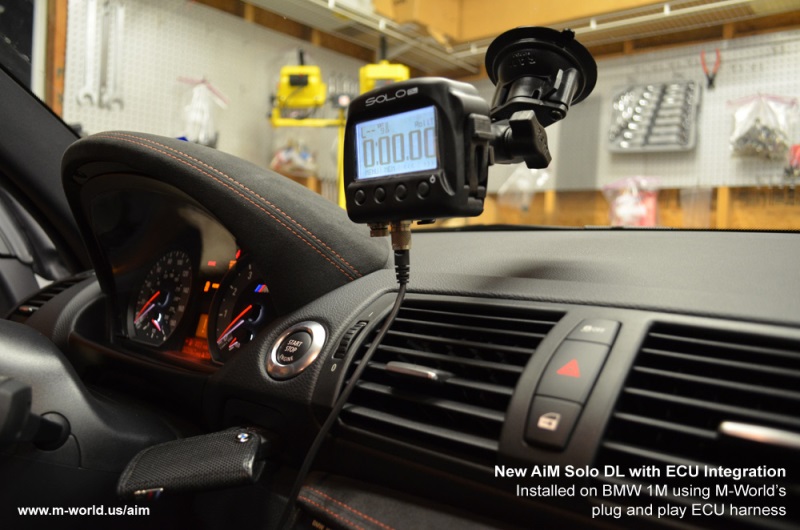
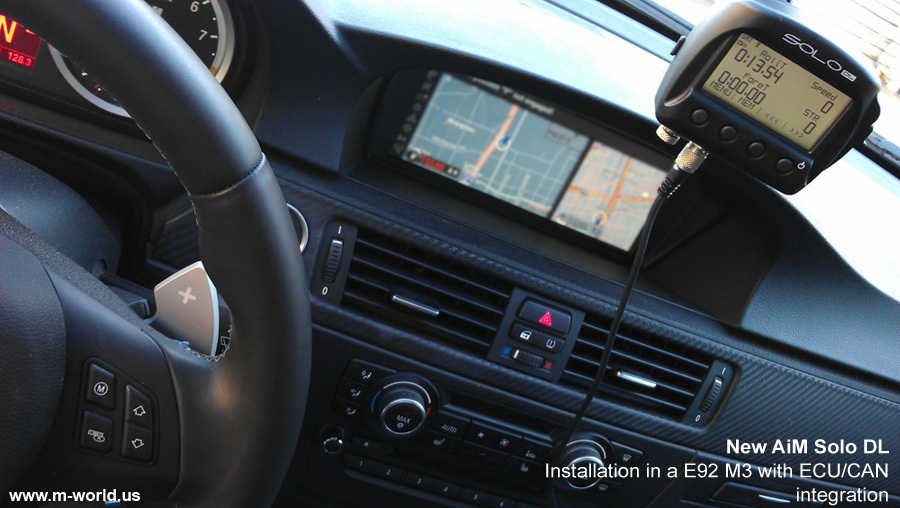
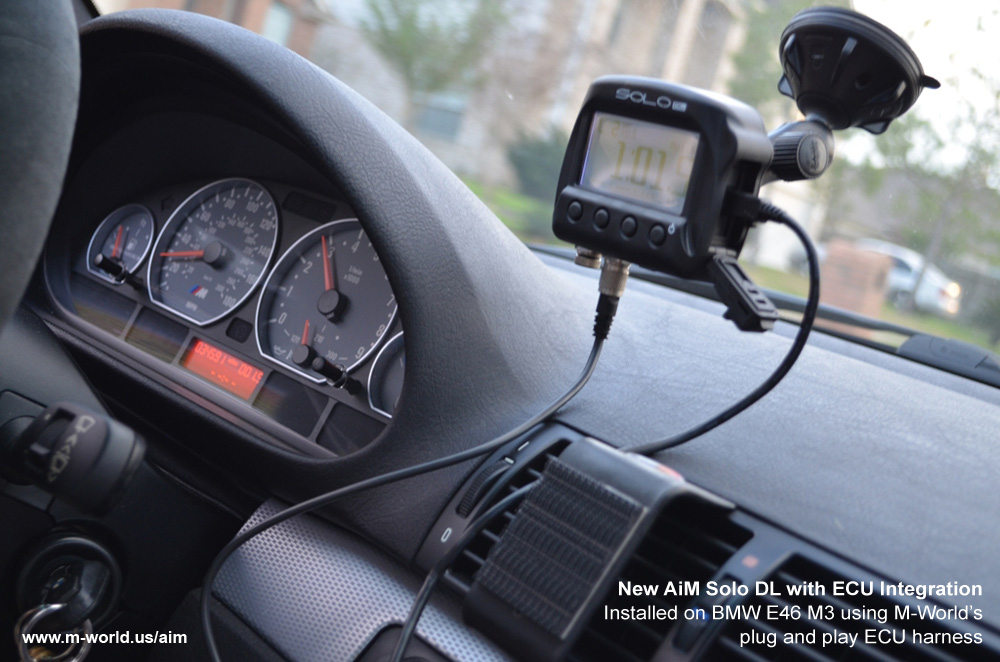
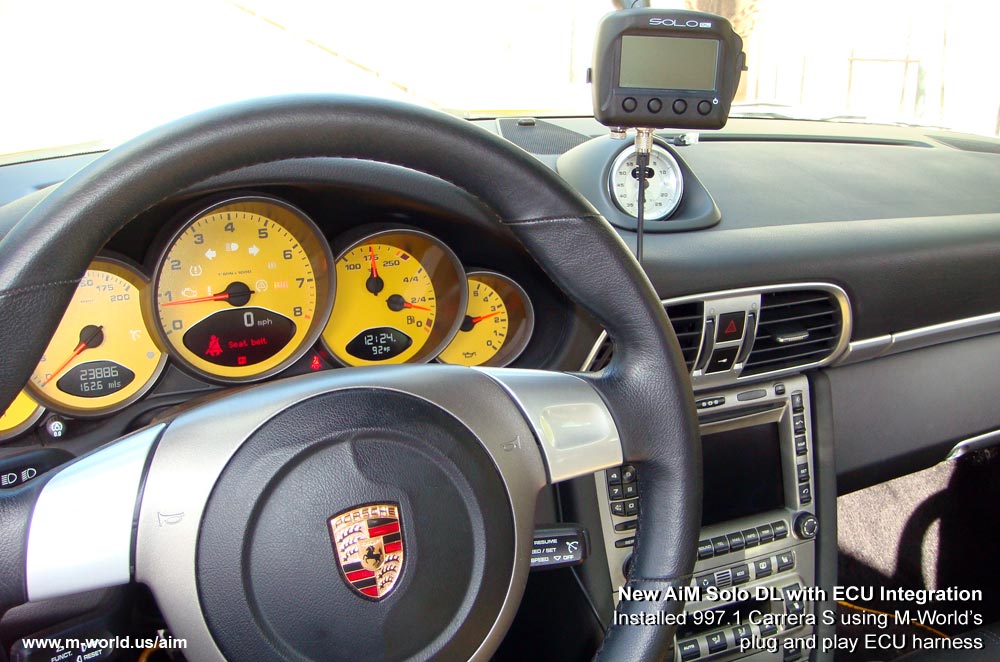
M-World offers exclusive Plug-and-Play Harneses for Direct ECU Connection for Porsche and BMW ECUs, with absolutely no cutting or splicing. Each kit includes step-by-step installation instructions.
BMW, Ducati, Kawasaki, Suzuki, and Yamaha Motorcycles
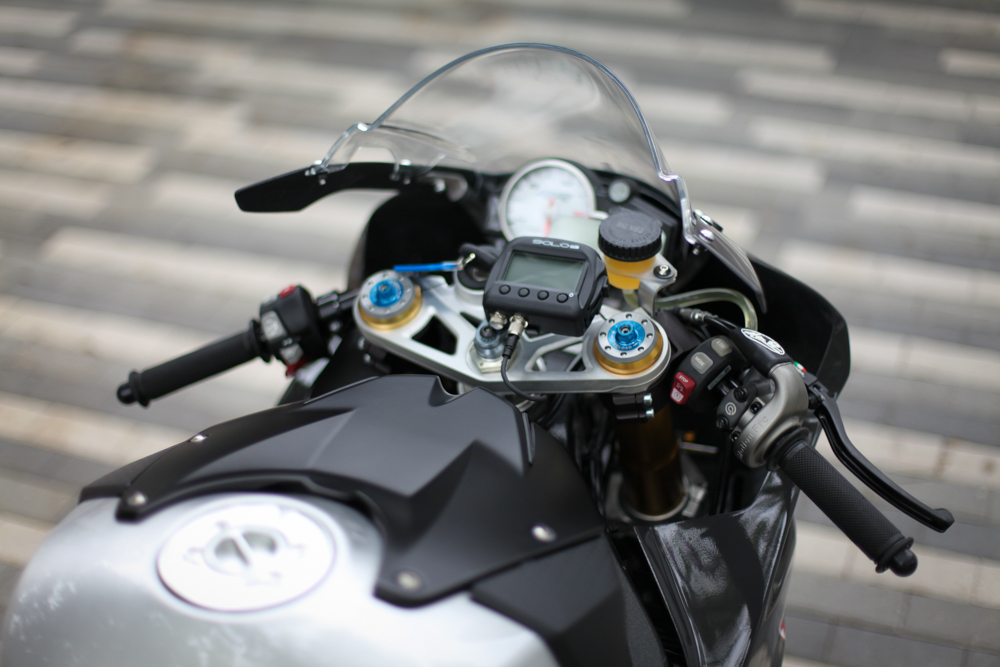
Plug-and-Play Kits (harness + mount) for Direct ECU Connection are also available for the above mentioned bikes, making installation a breeze.
| BMW | Bike Model (click for PDF) | Recommended Connection | Data Channels | Note |
| 2009+ | S1000RR/HP4 | Plug-and-Play Direct ECU | 27 | Harness + bike-specifc mount |
| Ducati | ||||
| 2007+ | 848/EVO/EVO Corse | PnP Direct ECU | 5 | Harness + bike-specifc mount |
| 2007+ | 1098/S/S Tricolore | PnP Direct ECU | 5 | Harness + bike-specifc mount |
| 2009+ | 1198/S/S Corse/R Corse/SP | PnP Direct ECU | 5 | Harness + bike-specifc mount |
| 2012+ | 899/1199 Panigale/S/S Tricolore | PnP Direct ECU | 27 | Harness + bike-specifc mount |
| Kawasaki | ||||
| 2011+ | ZX10R | PnP Direct ECU | 17 | Harness only |
| Suzuki | ||||
| 2005-2008 | GSX-R1000 | PnP Direct ECU | 21 | Harness only |
| 2009-2013 | GSX-R1000 | PnP Direct ECU | 21 | Harness + bike-specifc mount |
| 2006-2013 | GSX-R750 | PnP Direct ECU | 21 | Harness + bike-specifc mount |
| 2006-2013 | GSX-R600 | PnP Direct ECU | 21 | Harness + bike-specifc mount |
| Yamaha | ||||
| 2004-2008 | R1 | PnP Direct ECU | 5 | Harness + bike-specifc mount |
| 2009-2013 | R1 | PnP Direct ECU | 5 | Harness + bike-specifc mount |
| 2004-2005 | R6 | PnP Direct ECU | 5 | Harness + bike-specifc mount |
| 2006-2013 | R6 | PnP Direct ECU | 5 | Harness + bike-specifc mount |
| BMW | Car Model (click for PDF) | Channels Available | Recommended Connection | Note | |
| OBD2 | Direct ECU | ||||
| 2001+ | E46 M3 | 9 | 25 | Plug-and-Play Direct ECU | Brake pressure may not be available |
| 2007+ | E9X M3 / 3 Series | 9 | 28 | PnP Direct ECU | |
| 2007+ | E8X 1M / 1 Series | 9 | 28 | PnP Direct ECU | |
| Corvette | |||||
| 2005+ | Corvette C6 LS2 / LS3 | 18 | n/a | PnP OBD2 | |
| 2005+ | Corvette C6 Z06 LS7 | 16 | n/a | PnP OBD2 | |
| 2014+ | Corvette C7 Stingray | 16 | n/a | PnP OBD2 | |
| Mazda | |||||
| 2005+ | MX5 (NC) | 21 | n/a | PnP OBD2 | |
| Mercedes | |||||
| 2011+ | C63 AMG | 22 | n/a | PnP OBD2 | |
| Nissan | |||||
| 2007+ | GT-R | 25 | n/a | PnP OBD2 | |
| 2006+ | 350Z | 11 | 11 | PnP OBD2 | |
| 2009+ | 370Z | 18 | n/a | PnP OBD2 | |
| Ferrari | |||||
| 2010+ | 458 Italia / 458 Speciale | 41 | n/a | PnP OBD2 | |
| 2011+ | 458 Challenge / GT3 | 46 | n/a | PnP OBD2 | |
| 2004+ | F430 / F430 Scuderia | 14 | n/a | PnP OBD2 | |
| Ford | |||||
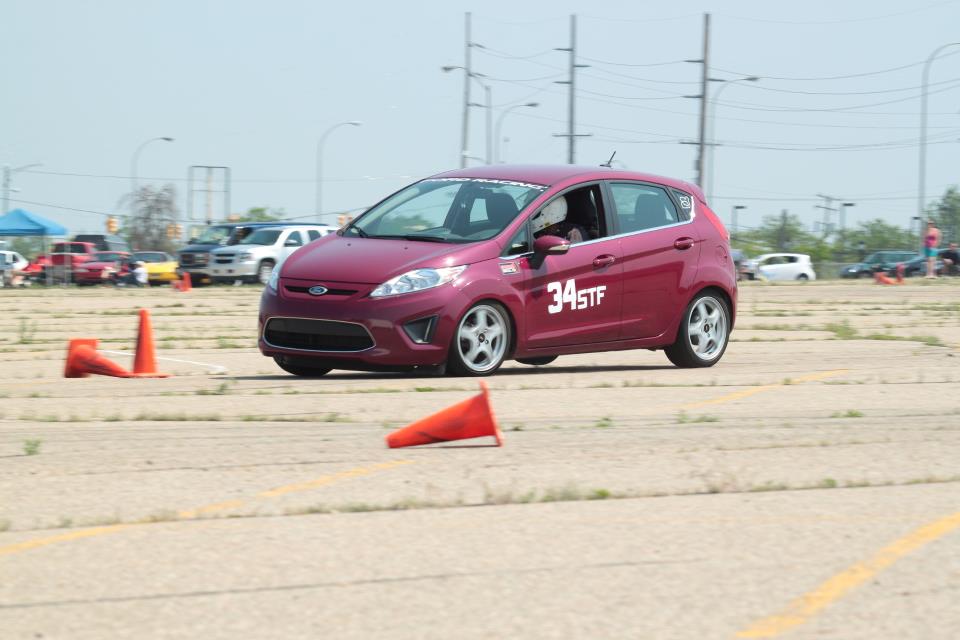
| 2008+ | Fiesta | 38 | n/a | PnP OBD2 | |
| 2003+ | Focus | 6-22 | n/a | PnP OBD2 | |
| 2005+ | Mustang | 26-55 | n/a | PnP OBD2 | |
| Porsche 911 (997.1) | |||||
| 2005+ | 997.1 Carrera Models | 9 | 16 | PnP Direct ECU | |
| 2007+ | 997.1 Turbo / GT2 Models | 9 | 16 | PnP Direct ECU | |
| 2006+ | 997.1 GT3 Models | 9 | 16 | PnP Direct ECU | |
| Porsche 911 (997.2) | |||||
| 2008+ | 997.2 Carrera Models | 13 | 22 | PnP OBD2 | While a Direct ECU connection offers more channels, PnP OBD2 already contains the most important channels for data analysis - speed, throttle, brake pressure, steering. Other channels are nice to have but not important. |
| 2010+ | 997.2 Turbo / GT2 Models |
13 | 22 | PnP OBD2 | While a Direct ECU connection offers more channels, PnP OBD2 already contains the most important channels for data analysis - speed, throttle, brake pressure, steering. Other channels are nice to have but not important. |
| 2010+ | 997.2 GT3 Models | 9 | 16 | PnP Direct ECU | |
| Porsche 911 (991) | |||||
| 2012+ | 991.1 911 All Models | 13 | 22 | PnP OBD2 | While a Direct ECU connection offers more channels, PnP OBD2 already contains the most important channels for data analysis - speed, throttle, brake pressure, steering. Other channels are nice to have but not important. |
| Porsche Boxster / Cayman (987) | |||||
| 2006+ | 987.1 Boxster / Cayman All Models | 9 | 16 | PnP Direct ECU | |
| 2009+ | 987.2 Boxster / Cayman | 9 | 16 | PnP Direct ECU | Does not include S and R models |
| 2009+ | 987.2 Boxster S / Cayman S/R | 13 | 22 | PnP OBD2 | While a Direct ECU connection offers more channels, PnP OBD2 already contains the most important channels for data analysis - speed, throttle, brake pressure, steering. Other channels are nice to have but not important. |
| Porsche Boxster / Cayman (981) | |||||
| 2012+ | 981.1 Boxster / Cayman All Models | 13 | 22 | PnP OBD2 (PDK gearbox) PnP Direct ECU (manual gearbox) |
PnP OBD2 is recommended for cars with PDK. PnP Direct ECU is recommended for cars with manual gear box in order to log data for brake pressure and individual wheel speeds. |
| Scion/Subaru | |||||
| 2013+ | Toyota GT86/Scion FR-S/Subaru BRZ | 22 | n/a | PnP OBD2 | |
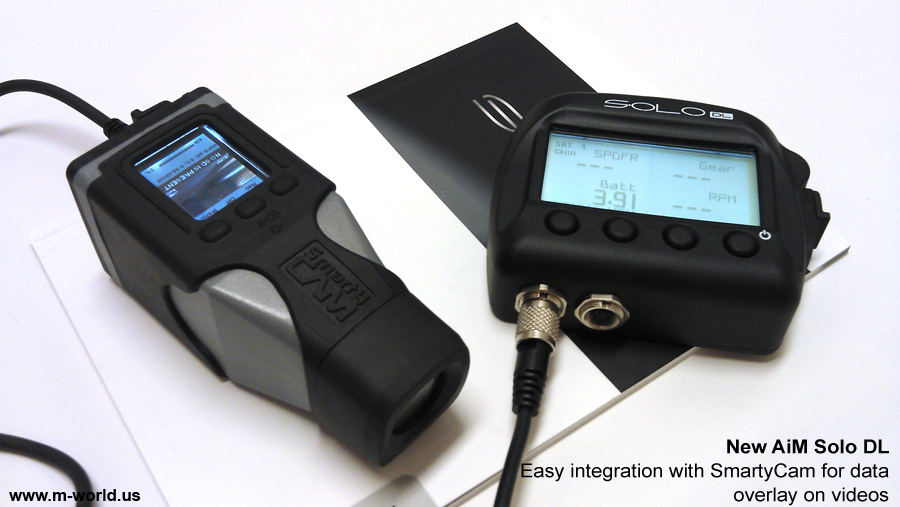
Solo DL readily integrates with SmartyCam HD to create HD videos with advanced data visualization on the fly. Absolutely no post-processing needed!
"It seems a lot of people say this is good for when you've already gotten very fast and are looking for just a little bit more. However, I think it is equally great for the less experienced drivers like me..." Read full review
"got my first chance to use the SOLO today out at pacific raceways. i downloaded the track before heading down and it worked perfectly..." Read full review
"Am very happy with the results now that I can get throttle, brake, steering angle, gear, clutch, wheel speeds, temps, and tons of other data that I can analyze over and above what you would get if you simply plugged the unit into the OBD connector." Read full review (E46 M3)
"A big thanks to the folks at http://M-World.us making the impossible happen and getting my AIM Solo DL to me before last Sunday's autocross!" Read full review (E82 135i)
"First off, its super simple to use. Just turn it on and in about 30 seconds it's found satellites and is ready to go..." Read full review (BMW S1000RR)
More reviews: E92 M3 | E92 M3 #2 | E82 1M | 997.1 GT2
AiM SRL
| AiM Solo | |
| Type | GPS-based Lap timer & data logger |
| Sensors | Tri-axial G |
| Lap timing | 10Hz GPS |
| Data recording | Internal memory |
| Internal battery | Rechargeable lithium battery; 4-6 hrs of use per charge |
| Operating temp | -4 to 140 deg. F. |
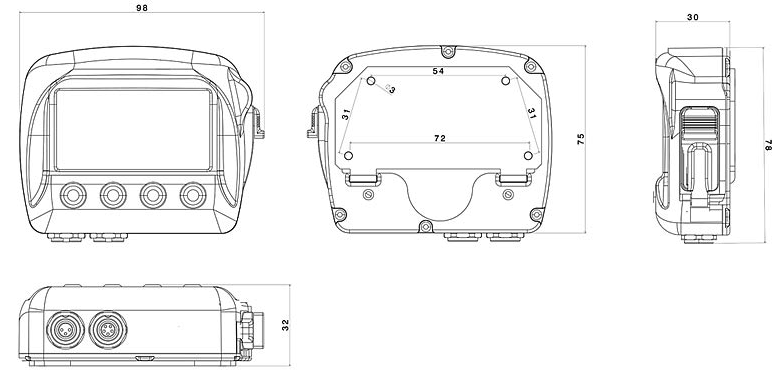
| Size | 98x78x30mm |
| Weight | 240g |
| Protection class | IP67 (dust tight/water proof to 3.28 feet) |
| AiM Solo DL | |
| Type | GPS-based Lap timer & data logger with ECU integration |
| Sensors | Tri-axial G |
| Lap timing | 10Hz GPS |
| Data recording | Internal memory |
| Internal battery | Rechargeable lithium battery; 4-6 hrs of use per charge |
| Operating temp | -4 to 140 deg. F. |
| Size | 98x78x30mm |
| Weight | 240g |
| Protection class | IP67 (dust tight/water proof to 3.28 feet) |
| ECU connection | CAN or OBDII |
| ECU supported | 500+ models of stock and racing ECUs |
| SmartyCam HD integration | Yes |
Starts at $399
Fast & free 3-day shipping. Free mount.
BUY NOW - Spare Parts
Starts at $699
Fast & free 3-day shipping. Free mount.